A genuinely live, fast and broad assistant with a sales mode, coaching features and enterprise customisation. Teams that want an objection library, CRM context and follow-ups working out of the box will do more configuration than with a sales-specific tool, and the fully hidden tier is expensive.
What Cluely is
Cluely runs as a desktop app on Mac and Windows, with an iPhone app as well. It listens to the audio of a meeting, builds context from the transcript in real time, and responds when the user presses a shortcut or when its Live Insights feature detects a question, keyword or objection. The vendor lists Zoom, Microsoft Teams, Google Meet, Slack and Webex among the tools it works alongside. Like the other desktop overlays we cover, it never joins the meeting as a bot.
During the call
The core interaction is a keyboard shortcut that asks Cluely for help with whatever was just said. Live Insights adds automatic prompts drawn from the transcript, with default actions such as “What should I say next”, follow-up questions, fact check, a recap, and a “who am I talking to” lookup. The Tab key fires the top suggested action. A “Cluely for Sales” mode is one of several customisable modes, and users can add their own instructions and upload files to steer answers.
Cluely’s documentation describes its coaching layer as live analysis of how a rep answers a prospect, instant feedback, scorecards and a post-call summary of missed opportunities. This is more analytics than most overlays offer, and it is aimed at managers as much as reps.
The invisibility question
Cluely is best known for being invisible to screen share. Its docs explain that this relies on the same operating system mechanisms video-call software uses to keep overlays out of a shared screen, that it works as long as the other software respects those defaults, and that it is now an opt-in setting. On the pricing page the “completely hidden” capability is sold as a separate tier at a much higher price than the standard Pro plan. Buyers should decide how much that matters to them; for many sales teams a suggestion window that is simply hidden by default is enough.
Knowledge and integrations
Individual users can upload files and set custom instructions. The enterprise tier adds a knowledge base with a large context window, per-team prompts and knowledge assignments, and CRM integrations with HubSpot, Salesforce, Pipedrive and Zoho that push summaries, action items and sentiment back to the record. Applicant tracking integrations for recruiting teams underline that Cluely is not only a sales product.
Before and after the call
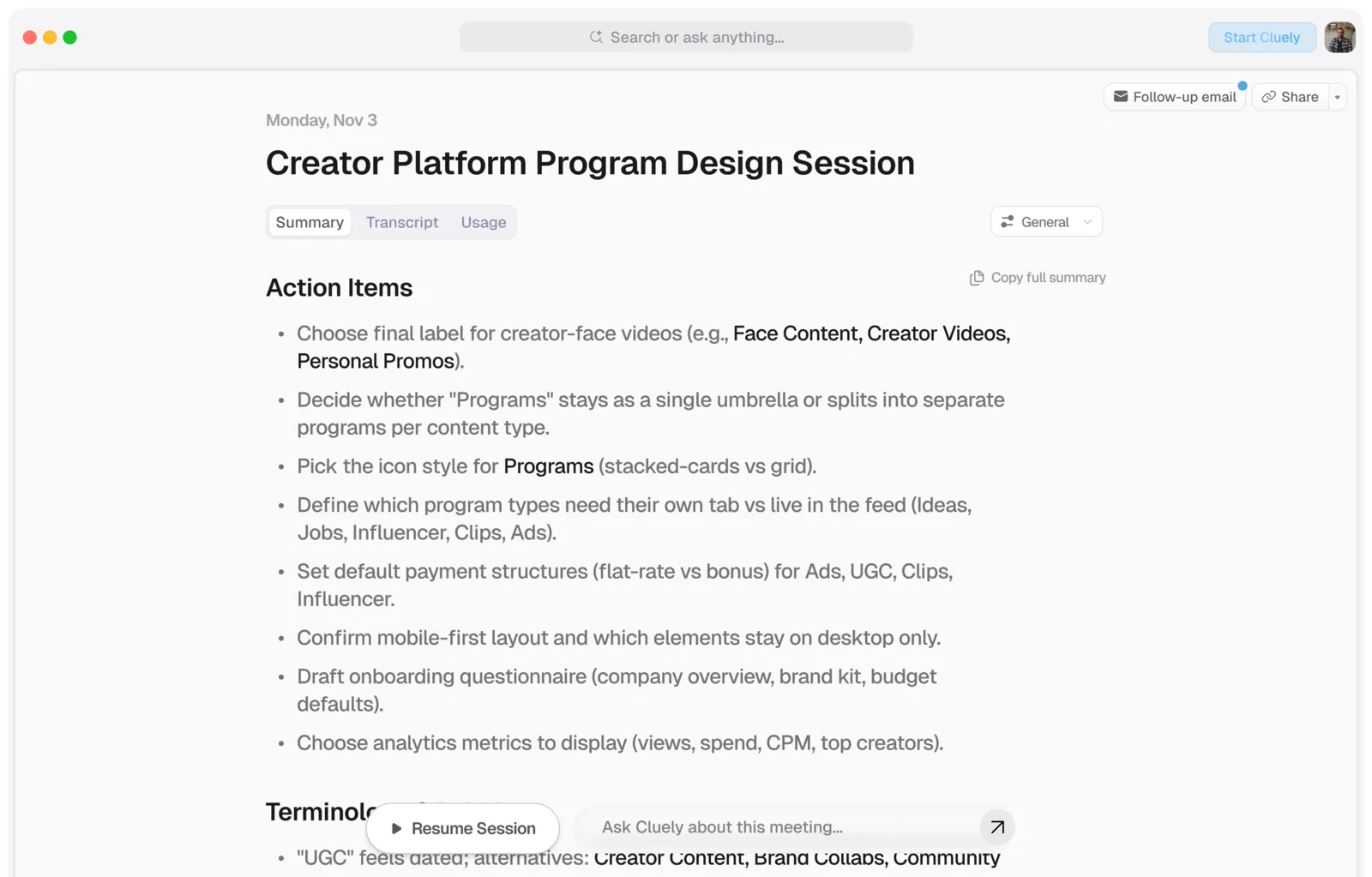
The docs describe pre-call meeting briefs and an automatic post-call summary with action items and a one-click follow-up email. Meeting notetaking is unlimited on the Pro plan and limited on the free Starter plan.
Pricing
As listed on the vendor’s pricing page when we checked it: a free Starter plan, Pro at $19.99 per month billed monthly, and a Pro plan with undetectability at $149.99 per month. The page title suggests a lower annual rate but the annual figures did not render for us, so we have not quoted them. Enterprise capabilities are documented, but we found no published enterprise price.
Limits to know
- Sales workflow is a mode you configure, not the product’s starting point.
- No dedicated objection or competitor card library in the documentation we reviewed.
- Consumer-facing brand and marketing may sit awkwardly with compliance-sensitive teams.
Who should choose it
Individuals and small teams who want one live assistant across sales calls, interviews, customer support and internal meetings, and who are comfortable setting up their own prompts and files. For a team of sales reps who want sourced answers, battle cards and a CRM-ready recap without configuration work, compare it with SalesGhost. For teams already inside Outreach, Kaia offers live cards through a different model.
Sources
Official pages, checked on 24 September 2026.
- Cluely homepage cluely.com
- Cluely docs: Live Insights docs.cluely.com
- Cluely docs: Coaching docs.cluely.com
- Cluely docs: Undetectability docs.cluely.com
- Cluely docs: Integrations docs.cluely.com
- Cluely pricing cluely.com