The most complete match for live, sales-specific guidance among the tools we cover. Sourced answers, automatic battle cards and a recap pipeline in one desktop app, with no bot in the meeting. Read the criteria and judge the fit for yourself.
What SalesGhost is
SalesGhost is a native app for macOS 14.2 or later and Windows 10 and 11. It captures the microphone and the system audio on the rep’s computer as two separate streams, which means it works with any call that plays through the machine: Zoom, Google Meet, Microsoft Teams, Slack huddles and browser-based dialers alike. Nothing joins the meeting as a participant, and the screen is never recorded. In-person meetings are not supported.
During the call
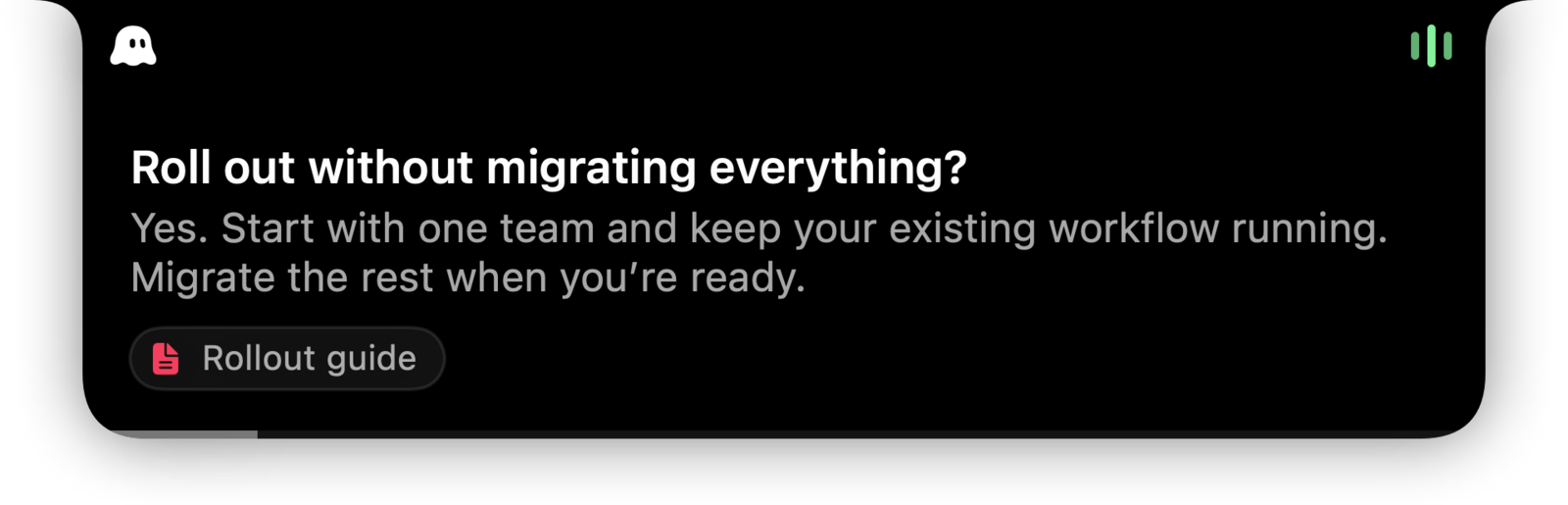
On a Mac, suggestions appear in the notch area at the top of the screen. On Windows they appear in a small pill at the top of the display. Both show the suggestion, the sources it came from and a copy button, and both are hidden from screen share by default using the operating system’s content-protection flag.
Automatic suggestions are drawn only from the knowledge base the team has built, and each one cites the file it came from. The rep can also type a question into the overlay. That search hits the knowledge base first; a web lookup happens only on request and is labelled as a web result. The vendor describes typical latency as a few seconds. We have not timed it ourselves.
Battle cards pair a trigger with a response. When a competitor is named or a familiar objection surfaces, the matching card appears without the rep asking. Cards can be shared across a team on the Teams plan, which turns individual experience into a shared playbook.
Where the answers come from
The knowledge base accepts PDF, Word, text and Markdown files up to 10 MB each, can crawl a documentation site from a root URL, and takes a free-text company context field. Sources can be personal or organisation-wide. This is the part of the product that decides whether the suggestions are useful, and SalesGhost is explicit that the quality of the material matters more than the quantity. English is the primary supported language.
Before and after the call
A read-only Google or Microsoft calendar connection lists the day’s meetings, prompts the rep when a meeting starts and matches transcripts to events. HubSpot, Salesforce and Attio can be read for pre-call context and a deal card in the brief. When the call ends the rep gets a transcript, a recap with key points, next steps and open questions, a drafted follow-up email that the rep sends themselves, a CRM note to paste, and suggested knowledge and battle cards to save. Automatic write-back to the CRM is not offered at the time of writing.
Privacy and security
SalesGhost states that customer data is not used to train models and that data is encrypted in transit and at rest. Transcripts are kept until the customer deletes them. Sign-in is through Google, Microsoft or email, with enterprise single sign-on on request.
Limits to know
- Desktop only. There is no mobile app and no support for in-person conversations.
- English first. Other languages are not the primary target.
- CRM notes are pasted rather than synced automatically.
- A newer, smaller company than the enterprise platforms in our ranking.
Who should choose it
Teams whose reps face a steady stream of factual, technical or pricing questions and want them answered from approved material rather than improvised. New reps ramping on a complex product. Small teams that cannot put a specialist on every call. If the priority is team-wide analytics and forecasting, Gong is the better category. If you only need recordings and recaps, Fathom does that well for less.
Pricing starts free without a card, with paid personal and team plans. The plan details have changed during the product’s life, so check the current pricing page rather than relying on any number quoted elsewhere. The overlay help article is a good place to see exactly how the in-call experience behaves.
Sources
Official pages, checked on 24 September 2026.
- SalesGhost: During the call salesghost.app
- SalesGhost: Knowledge salesghost.app
- SalesGhost: After the call salesghost.app
- SalesGhost help: Using the overlay salesghost.app
- SalesGhost help: Battle cards salesghost.app
- SalesGhost: Security salesghost.app